
How Tracker's Cloud Logo Management Beats Every Competitor for Embroidery & DTG Shops
Why Tracker's purpose-built cloud logo management outperforms generic file-sharing tools for embroidery, DTG, and screen-printing businesses.
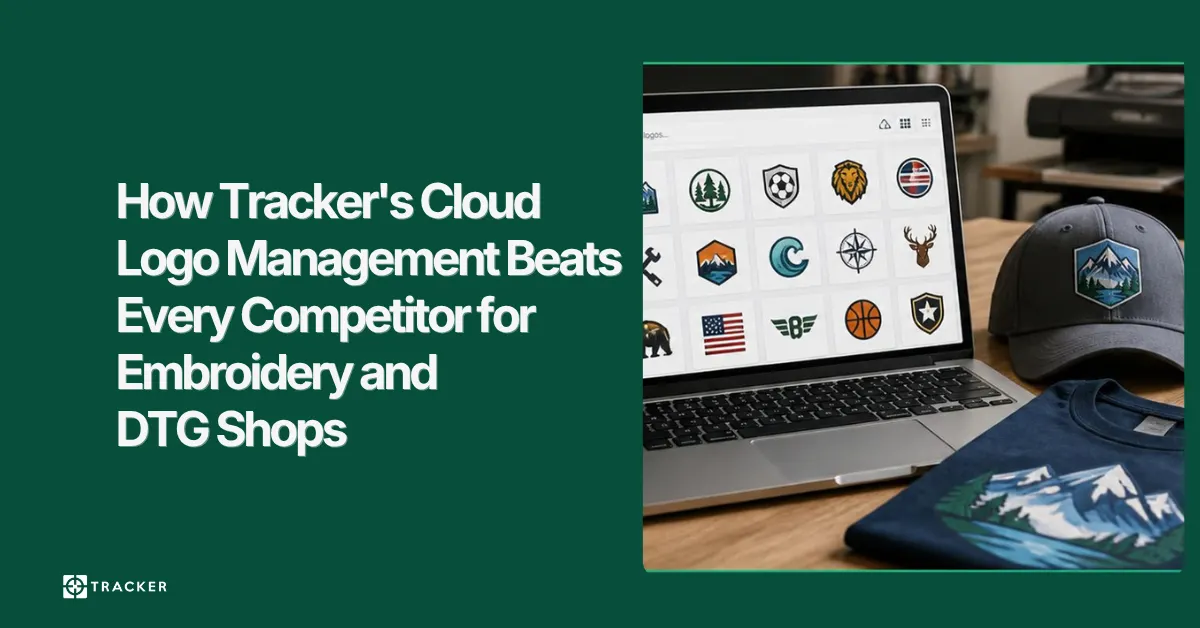
Generic file-sharing tools can hold an embroidery file, but they cannot tell you which version was approved, which thread palette it uses or which machine it is destined for. Purpose-built logo management keeps the stitch file, its separations and its version history together, and sends the right one to the machine by barcode. This post sets out where that difference shows up on the floor.
The Logo Management Problem Every Decorator Faces
If you run an embroidery or DTG shop, you know the pain: thousands of customer logos stored across shared drives, USB sticks, email attachments, and operator desktops. When a reorder arrives, your team spends 10–15 minutes hunting for the right file — and sometimes stitches the wrong version anyway, triggering a costly reprint.
Generic cloud storage (Dropbox, Google Drive, OneDrive) wasn’t designed for garment decoration. It doesn’t understand EMB vs DST formats, stitch counts, thread charts, or the relationship between a logo and the customer who owns it. That’s exactly what Tracker’s cloud logo management was built to solve.
What Makes Tracker Different?
1. Format-Aware Storage
Tracker recognises embroidery formats (EMB, DST, PES, EXP, JEF, XXX) and print-ready files (AI, EPS, PDF, PSD). When you upload a file, the system auto-detects the format, reads the stitch count, and indexes the colour palette — so operators can search by “red and white 3-colour logo, under 8,000 stitches” and find what they need instantly.
2. Customer-Centric Organisation
Every logo is tagged to a customer account. When a sales rep opens a customer record, they see every logo ever produced — with version history, proof approvals, production notes, and run counts. No more cross-referencing spreadsheets with folder names.
3. Version Control with Audit Trail
Logos evolve. A customer tweaks their brand, resizes for a cap, or adds a tagline. Tracker tracks every revision with who made the change, when, and why. If a dispute arises (“that’s not the logo I approved”), you have a timestamped audit trail that protects your business.
4. Barcode-Triggered Machine Delivery
This is the game-changer. When an operator scans a job barcode on the production floor, Tracker pushes the correct logo file — the approved version — directly to the embroidery head (Barudan bNET, Tajima Pulse) or DTG printer queue. Zero manual file transfer. Zero wrong-version risk.
5. Digital Proof Generation
Create professional digital proofs from stored logos with one click. The proof includes garment mockup, logo placement, thread chart, and stitch count. Send to the customer via email or portal, collect their approval or comments, and the approved version auto-locks for production.
Real-World Impact
Shops using Tracker’s logo management report:
- 85% reduction in time spent searching for logos
- 90% fewer wrong-version reprints
- 3x faster reorder turnaround
- Eliminated lost-file incidents (previously 2–3 per week)
How to Get Started
Migrating your existing logo library into Tracker is straightforward. Our onboarding team imports your files in bulk, auto-tags them to customer accounts, and verifies format integrity. Most shops are fully migrated within two weeks.
Ready to stop losing logos and start delivering the right file every time? Get started with Tracker or request a demo to see cloud logo management in action.

Founder & Technical Director
Subscribe to Our Newsletter
Get the latest articles, product updates, and workflow tips delivered straight to your inbox.
By subscribing, you agree to our Privacy Policy and consent to receive updates from our company.